
Bonsai Imaging

Raw photos in. Beautiful records out.

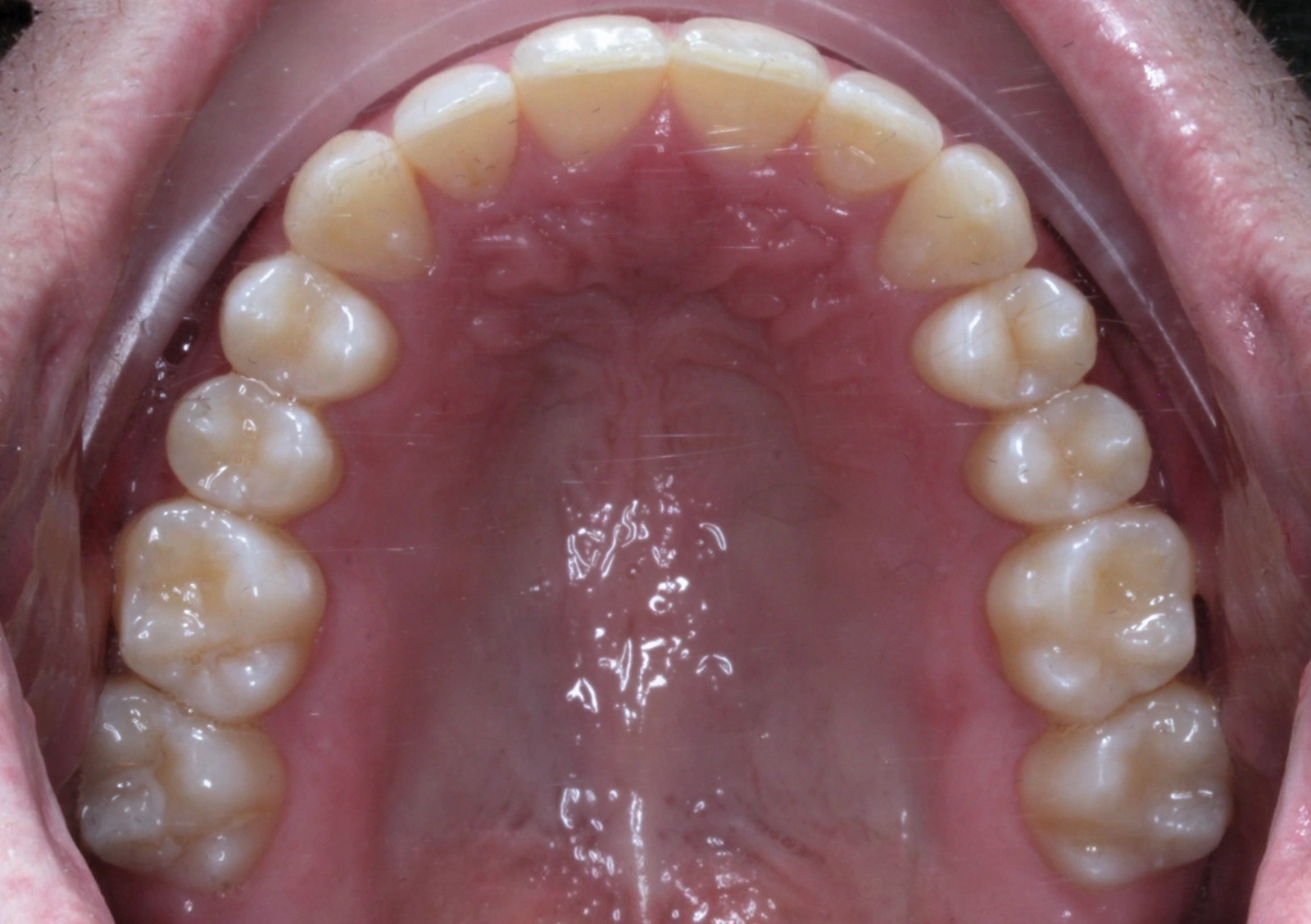
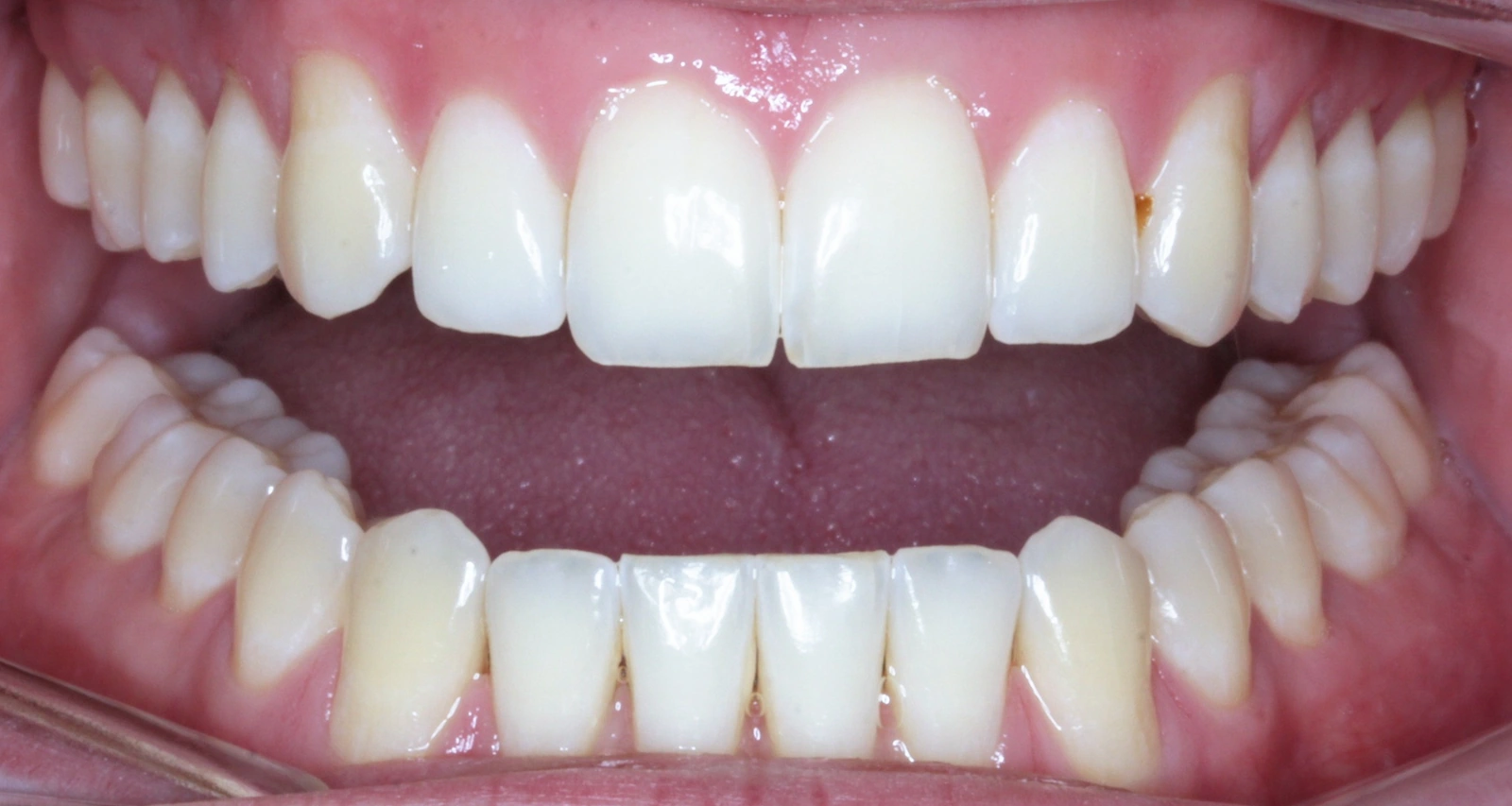
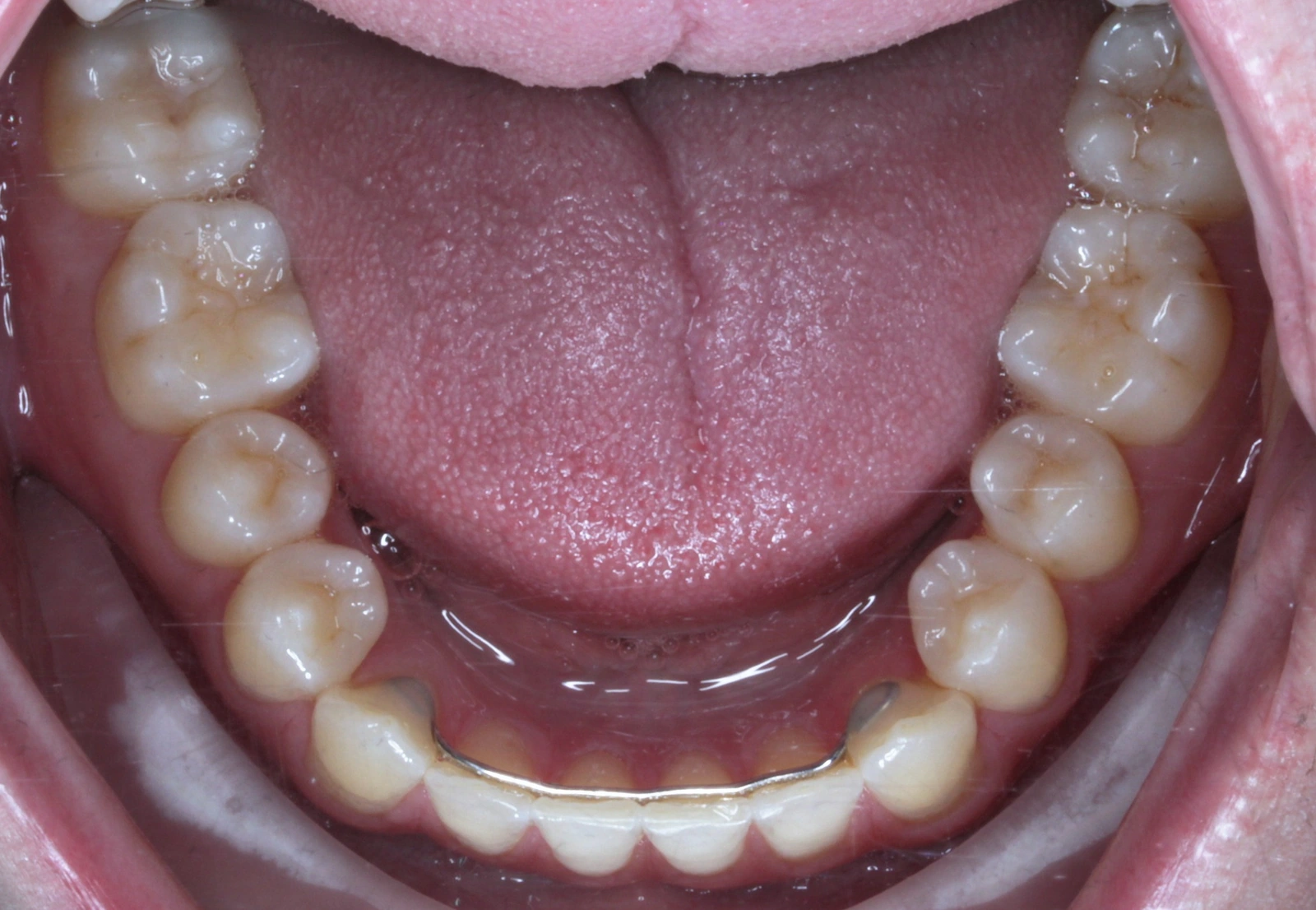
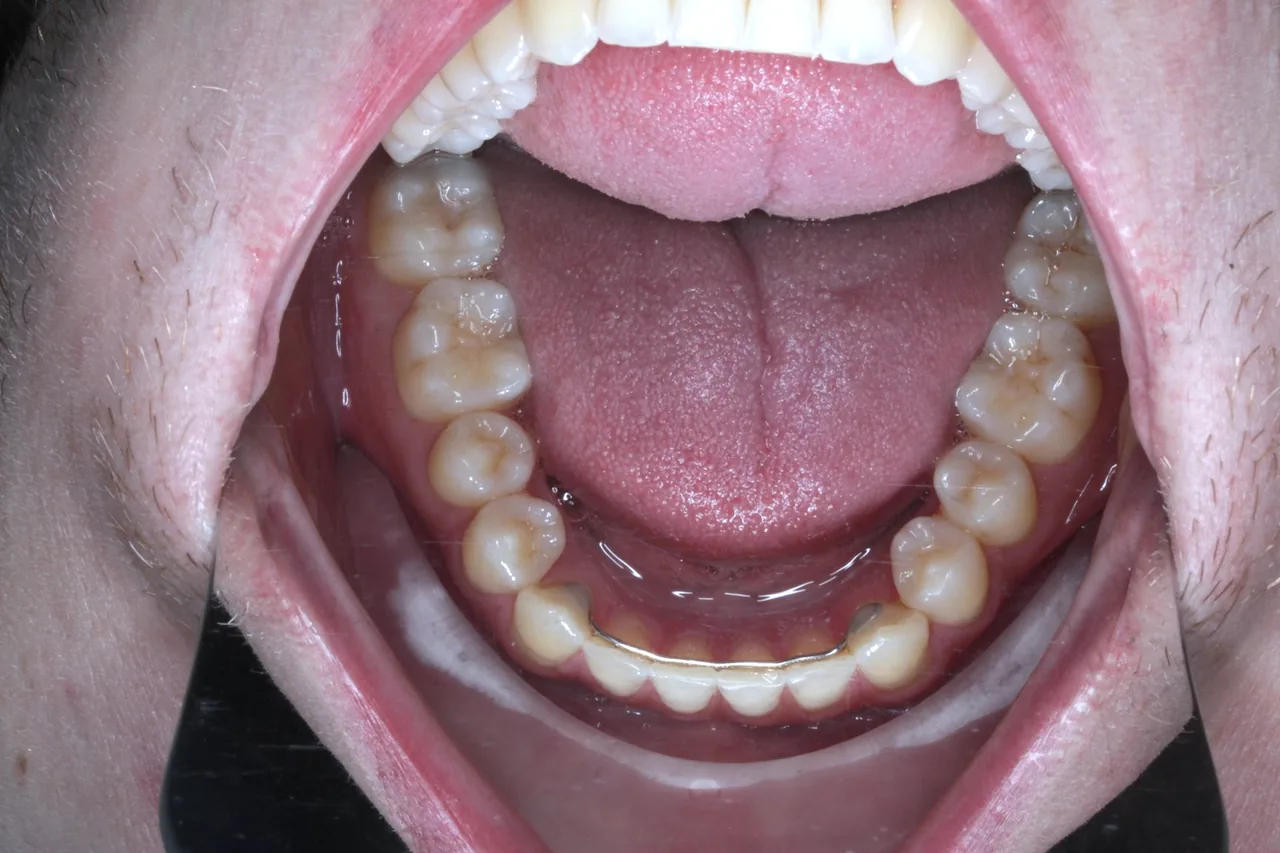
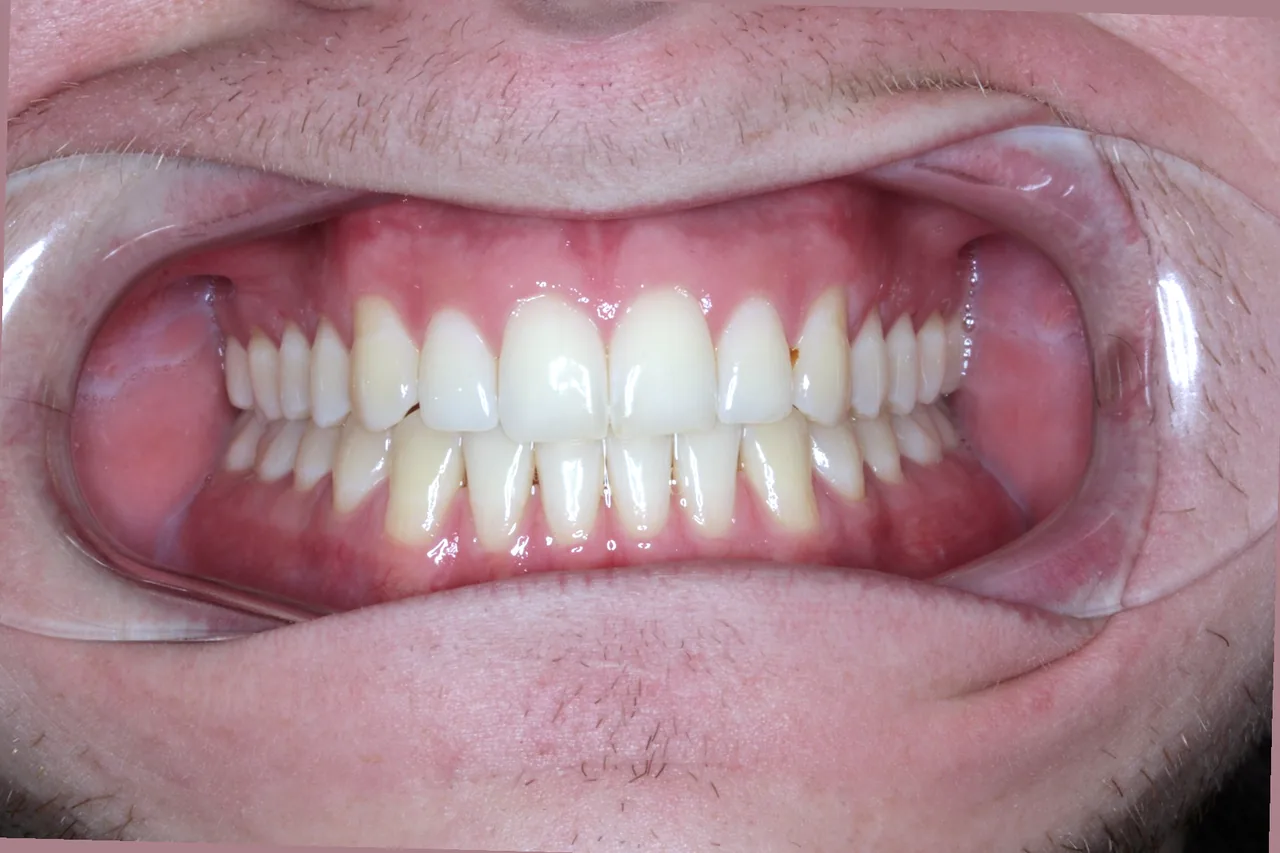
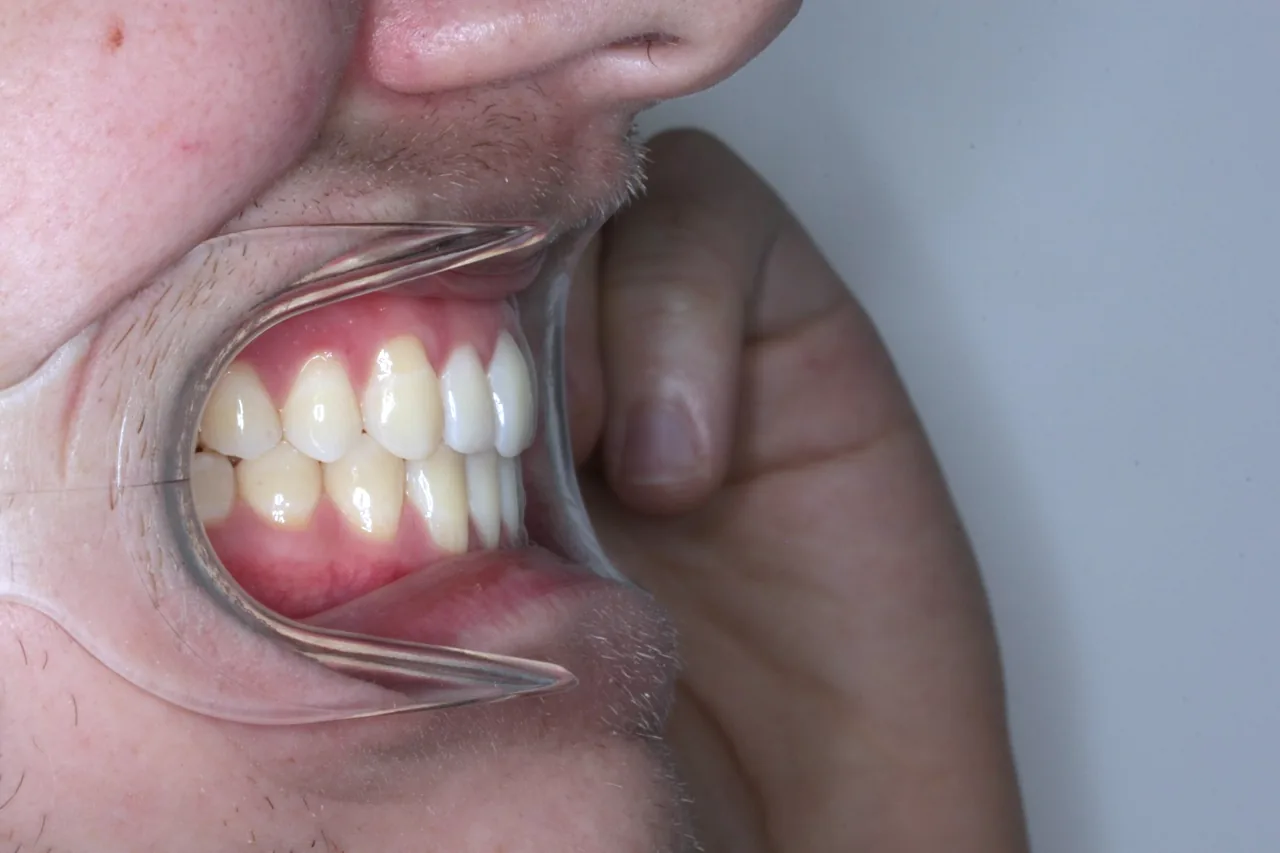
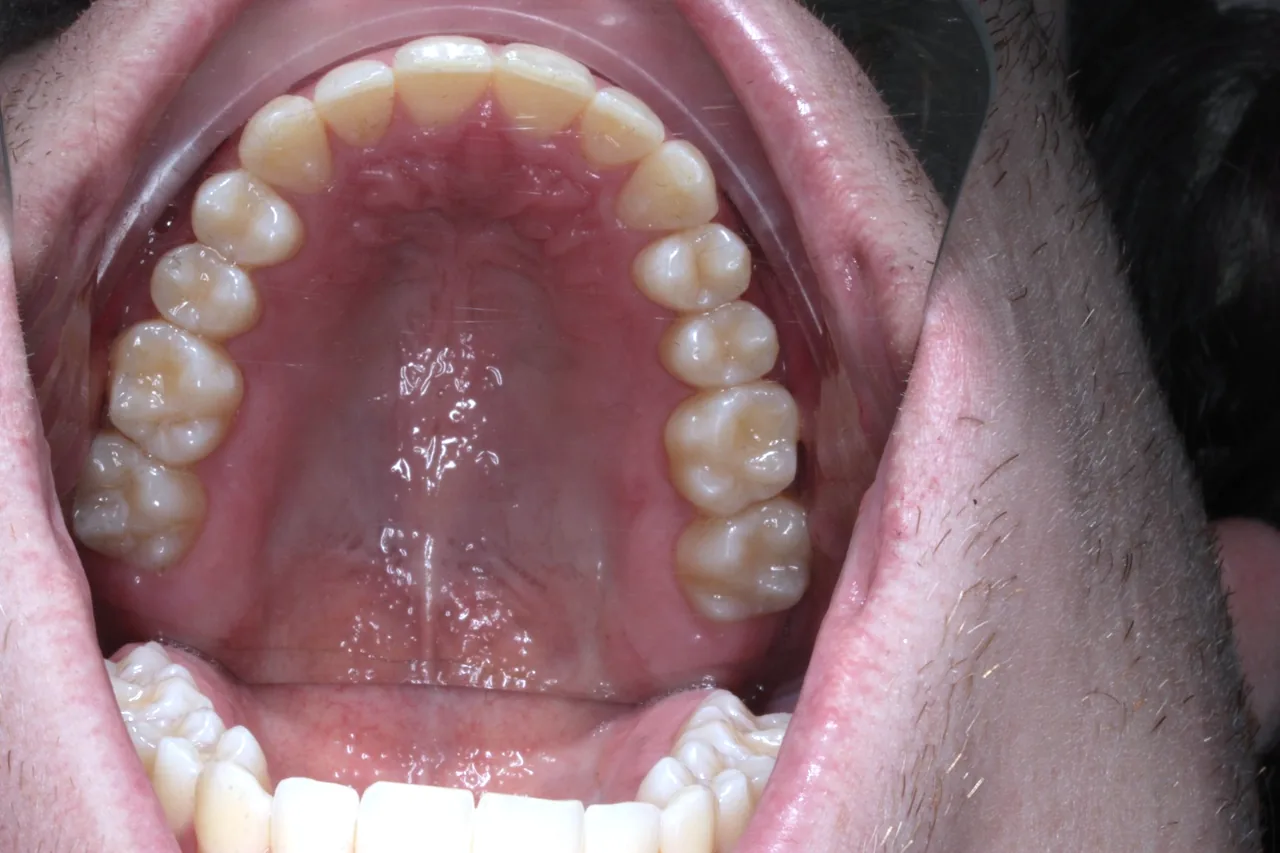
Drop in your raw photos and get back one clean record sheet, straightened, cropped, and ready to compare with the last visit.

Opening to a small group of practices.

Every photo in its place.

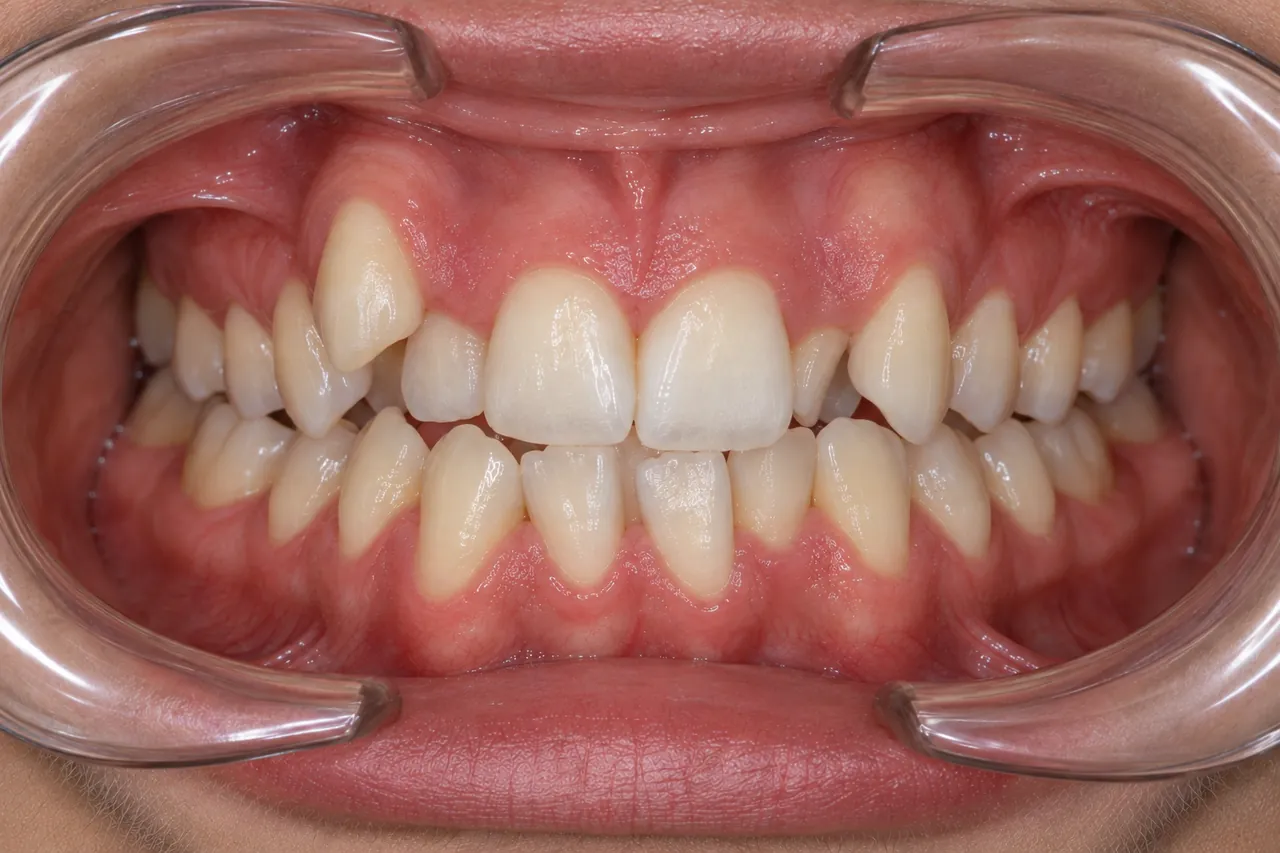
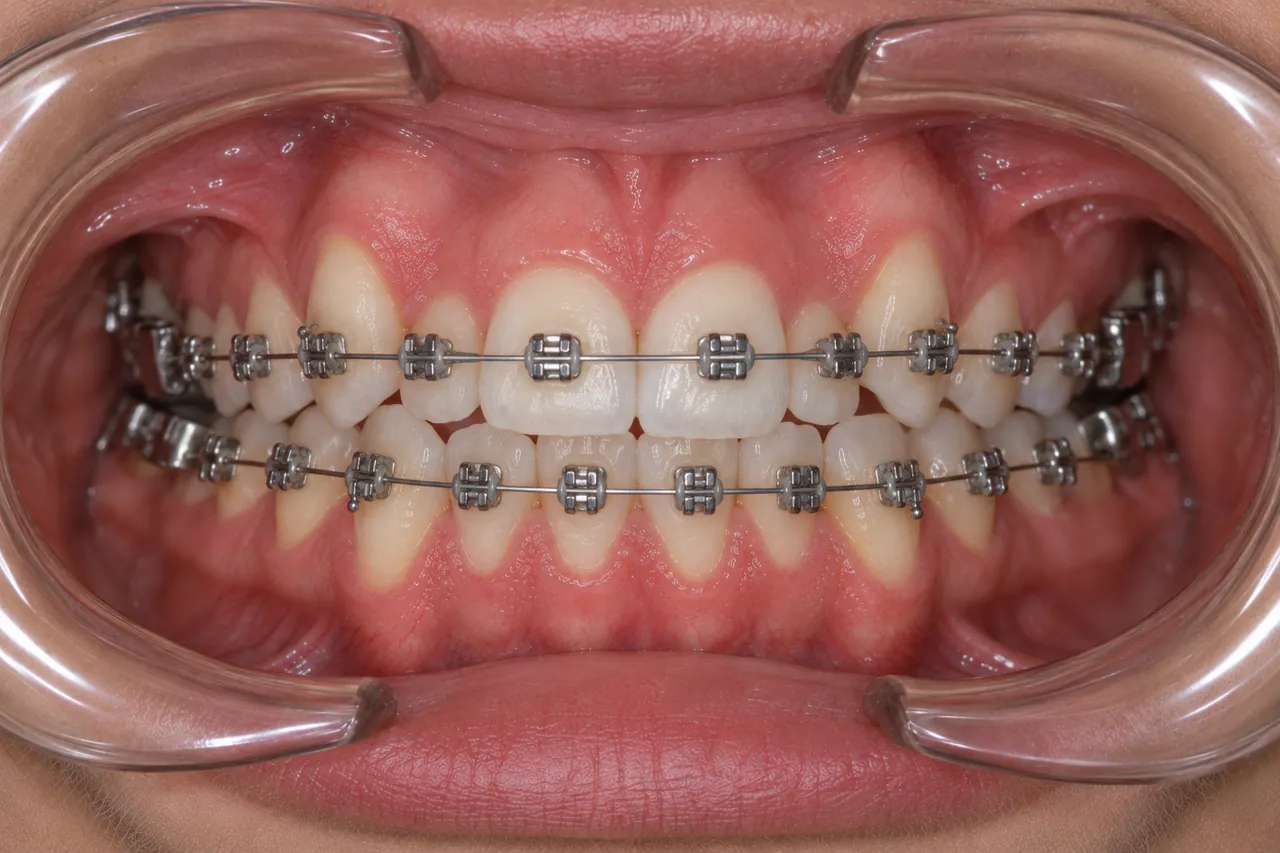
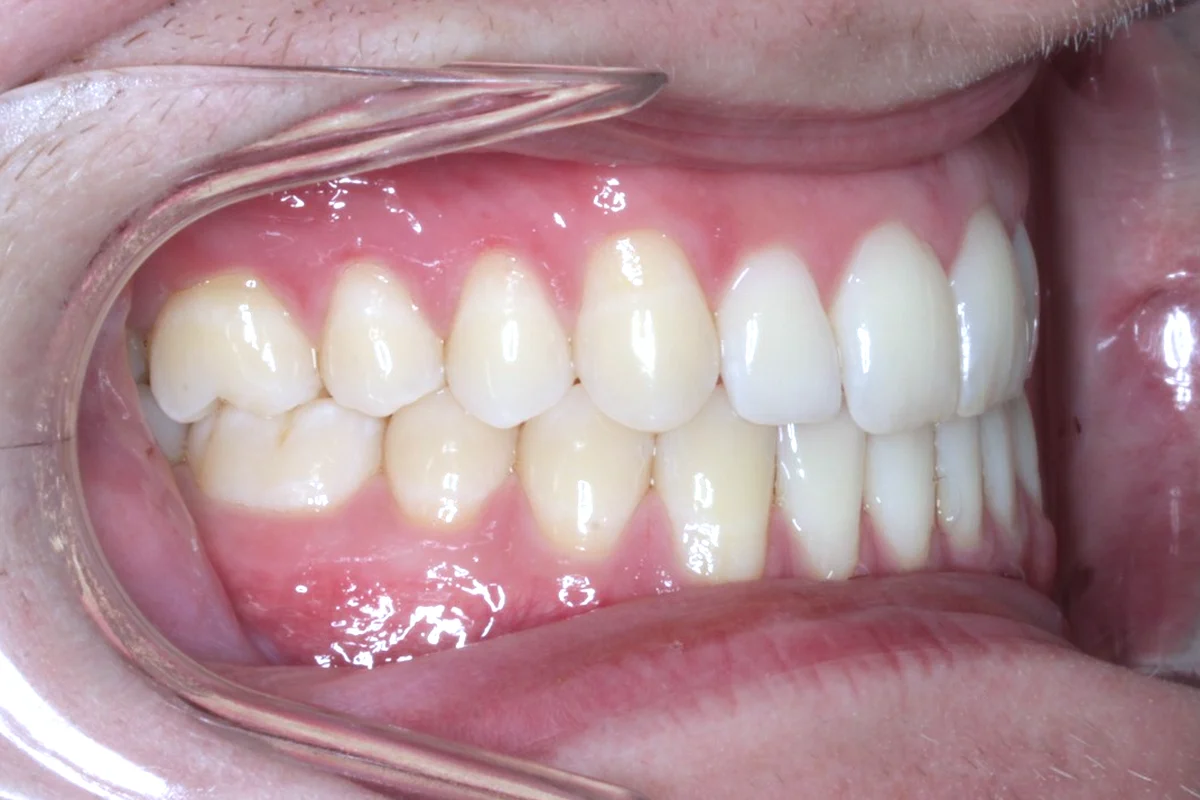
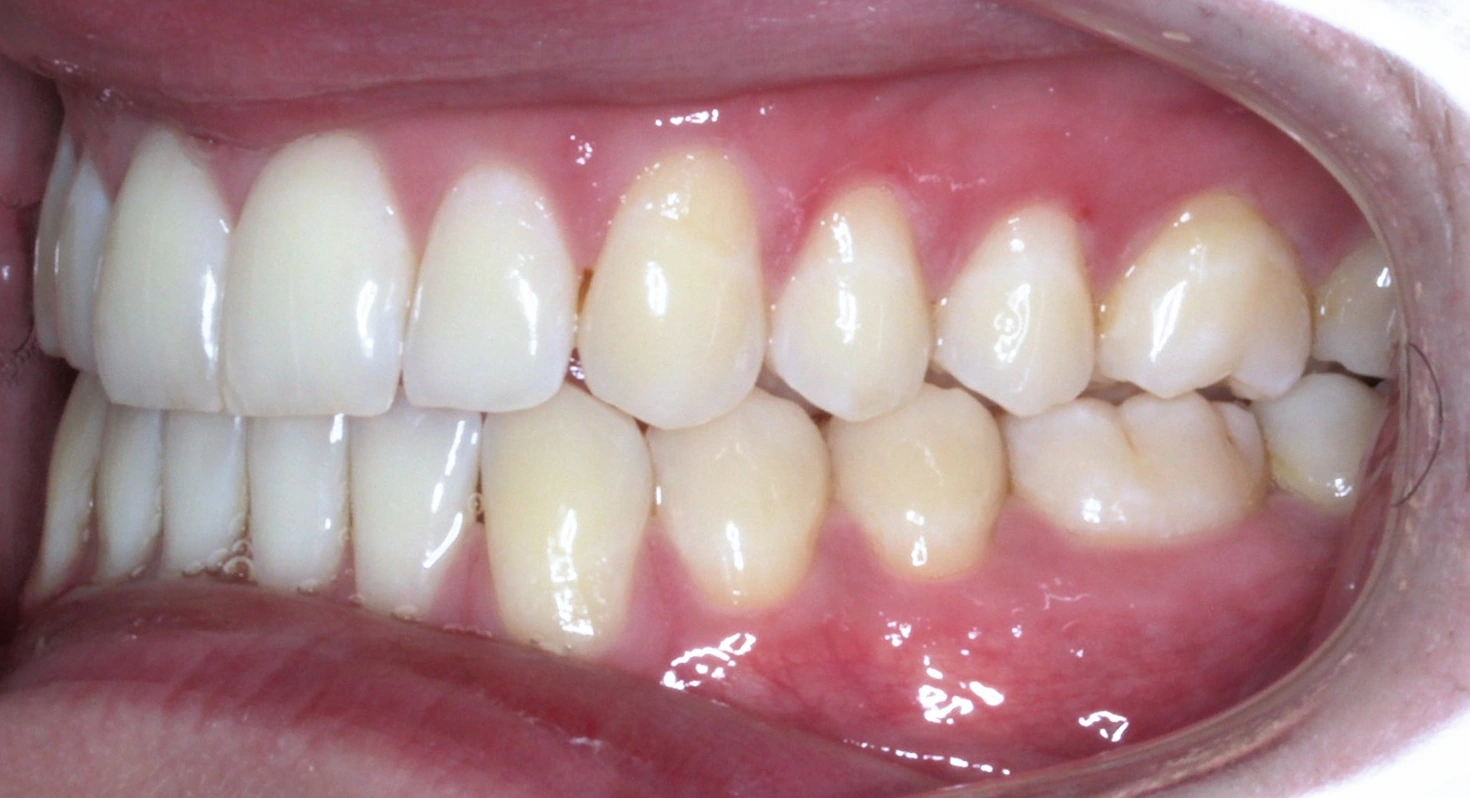
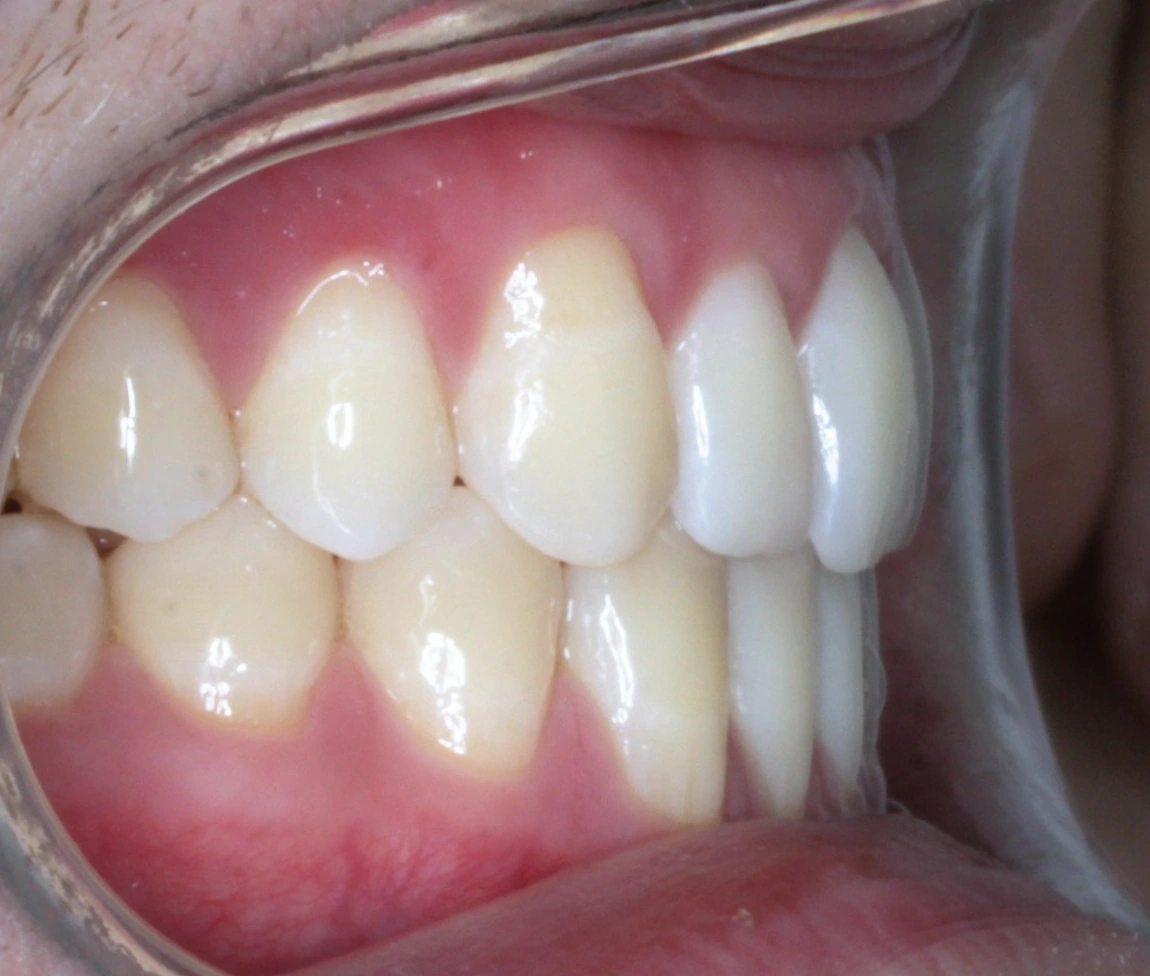
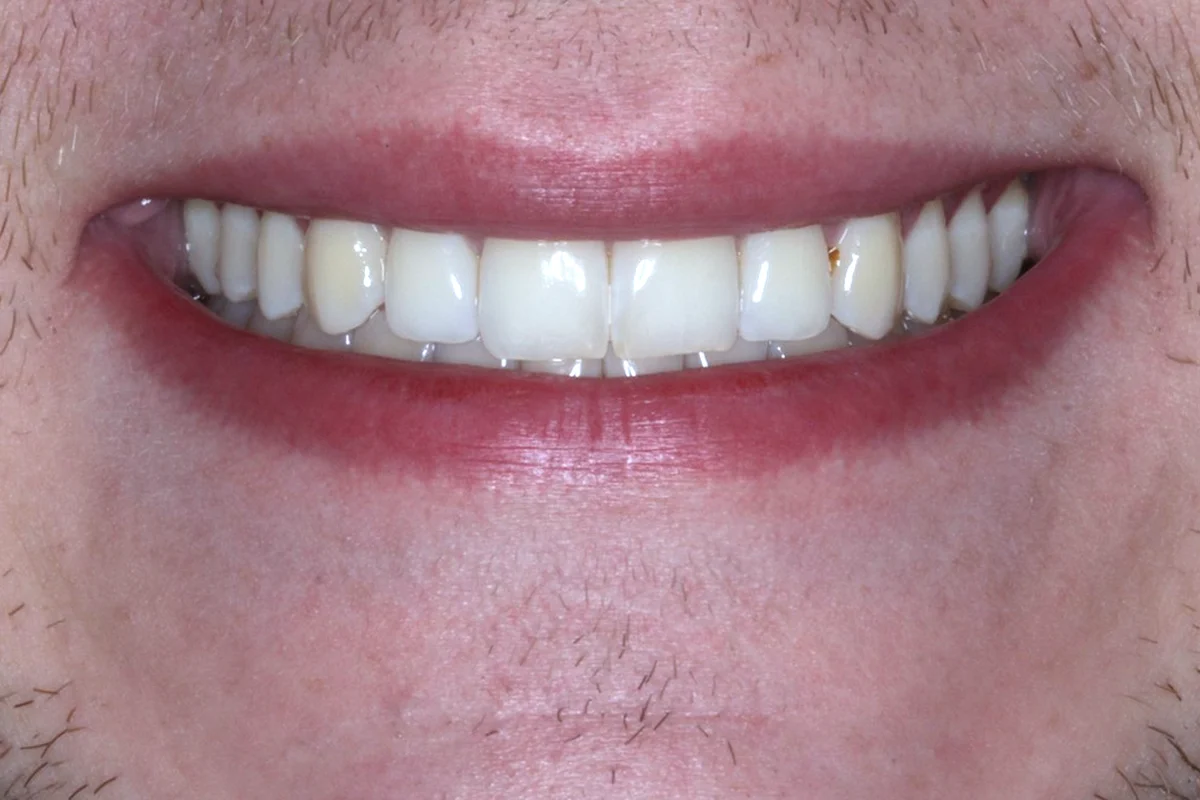
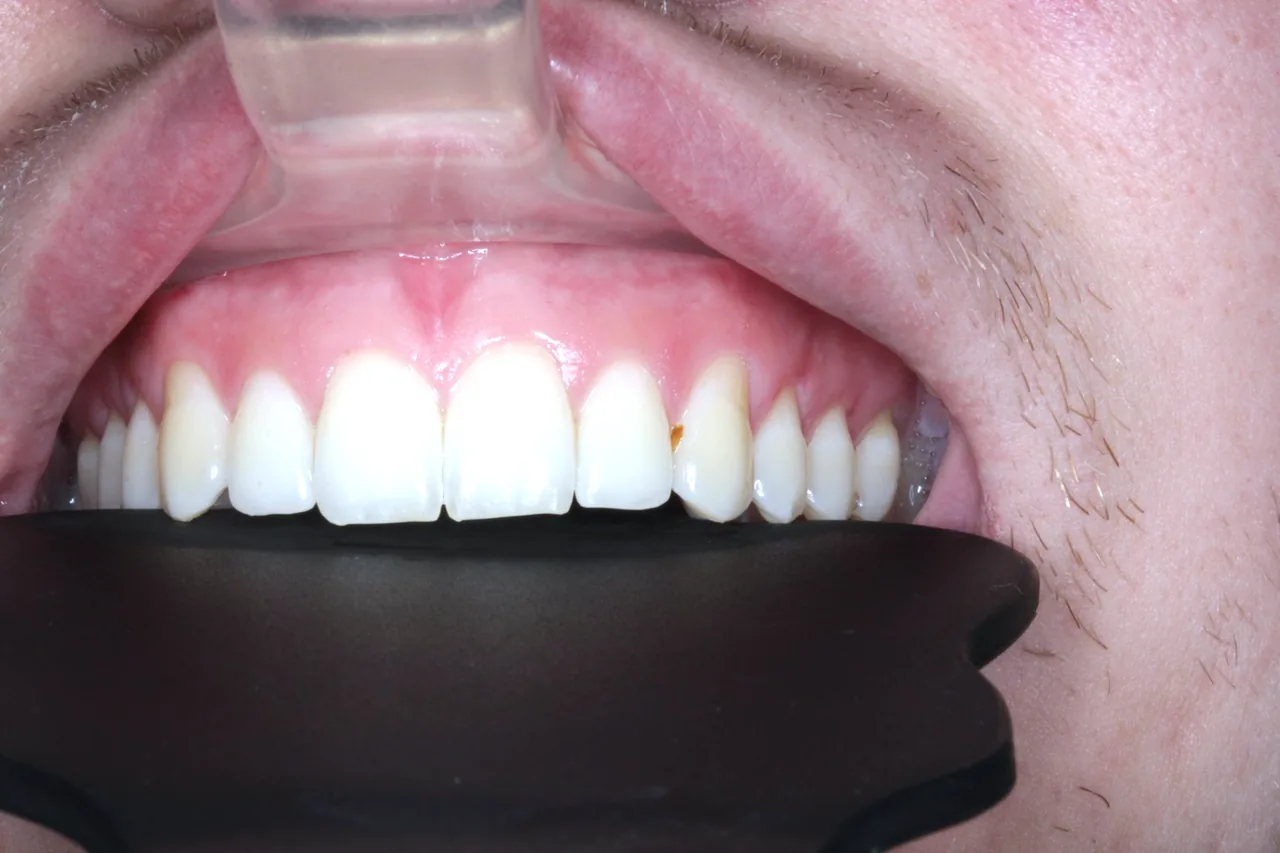
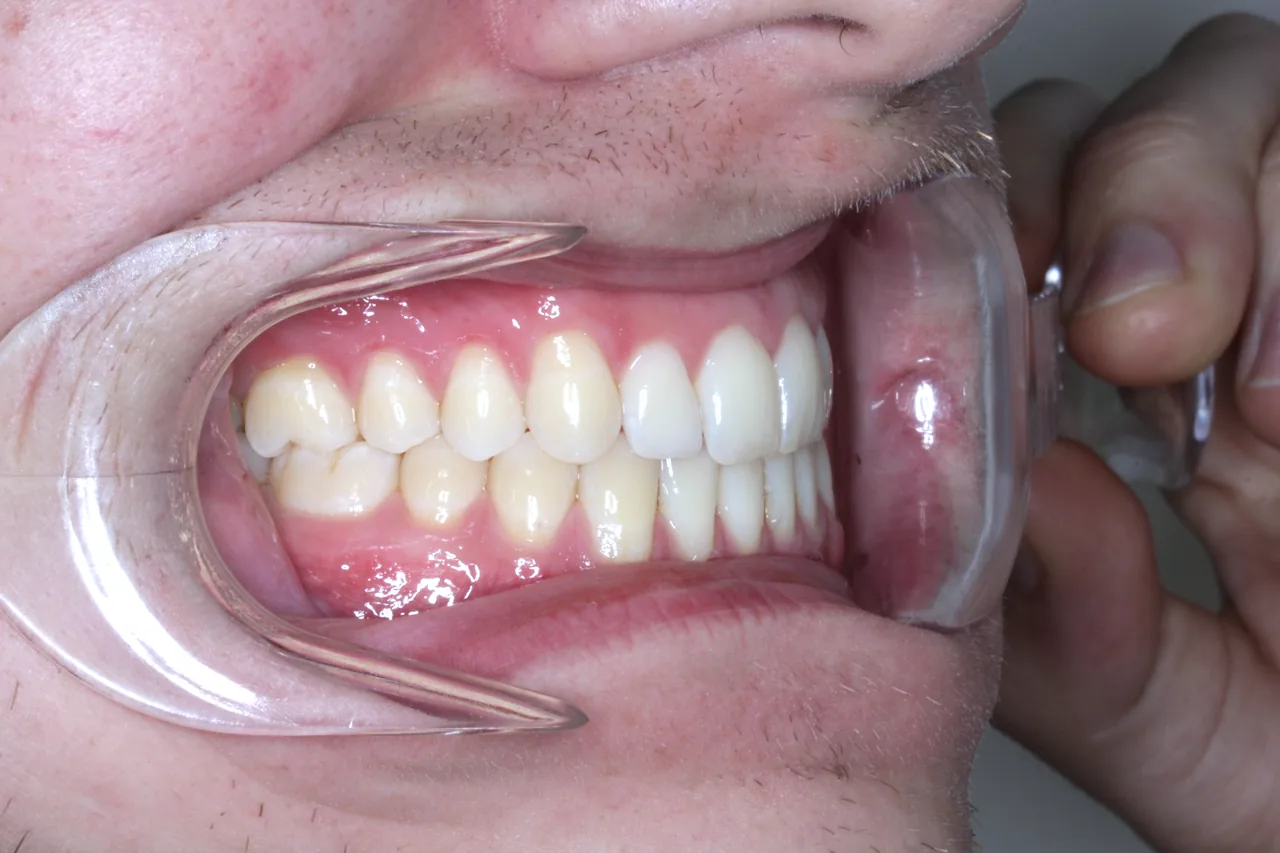
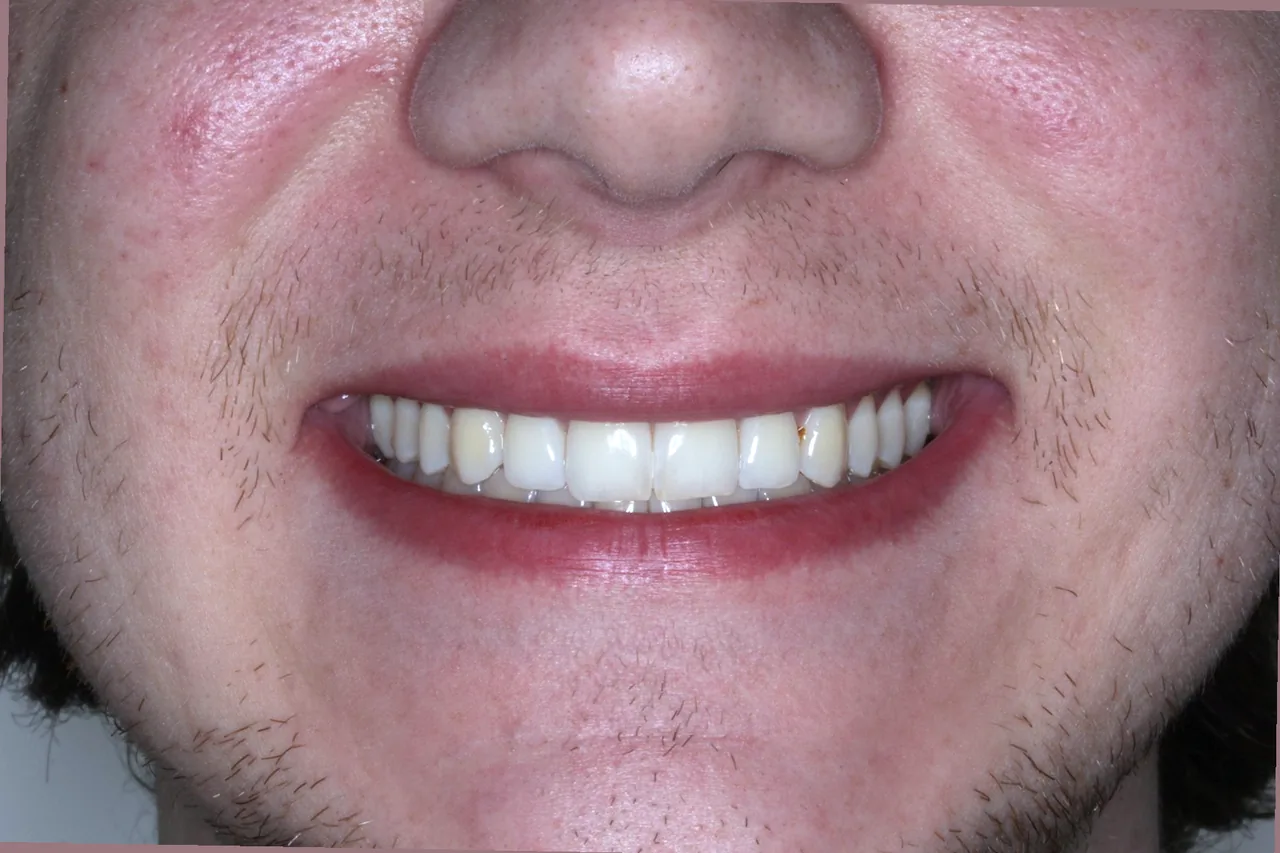
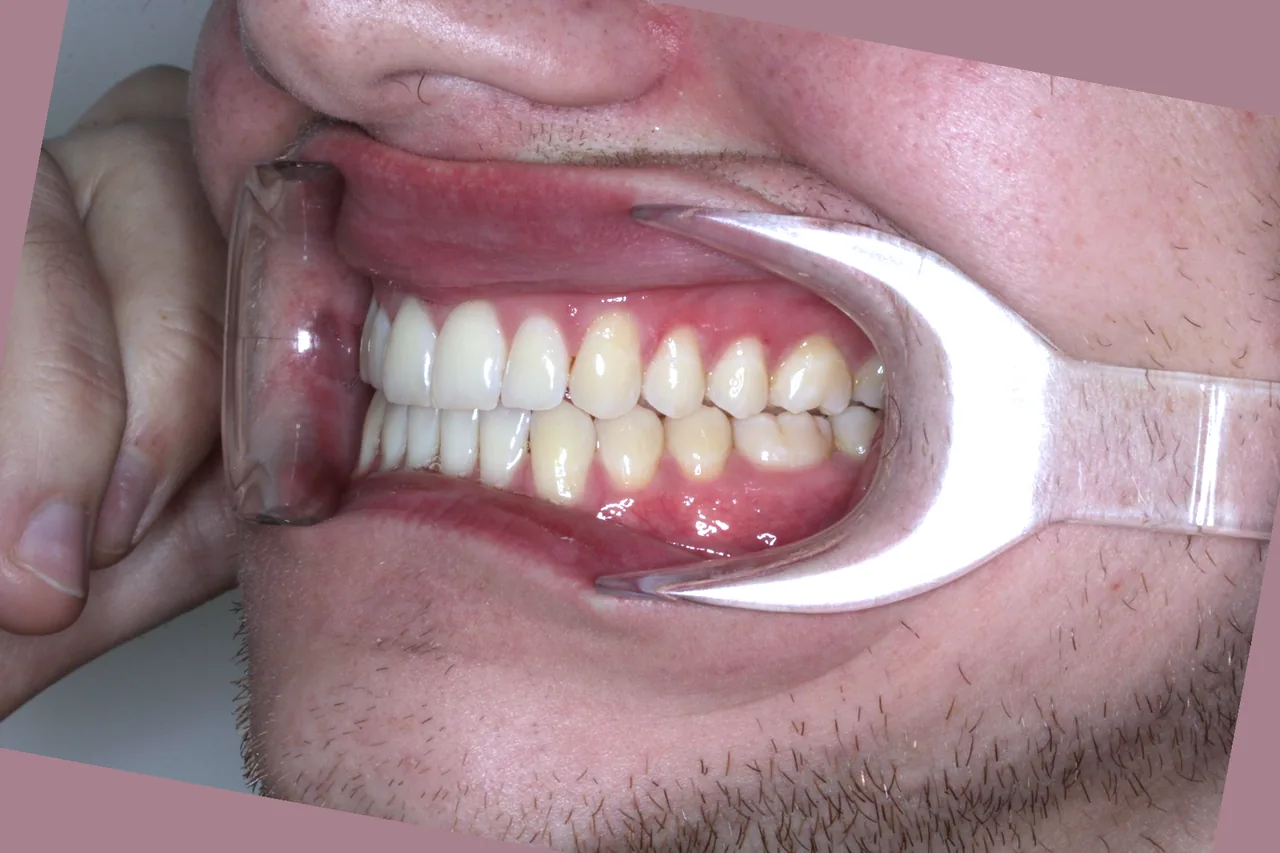
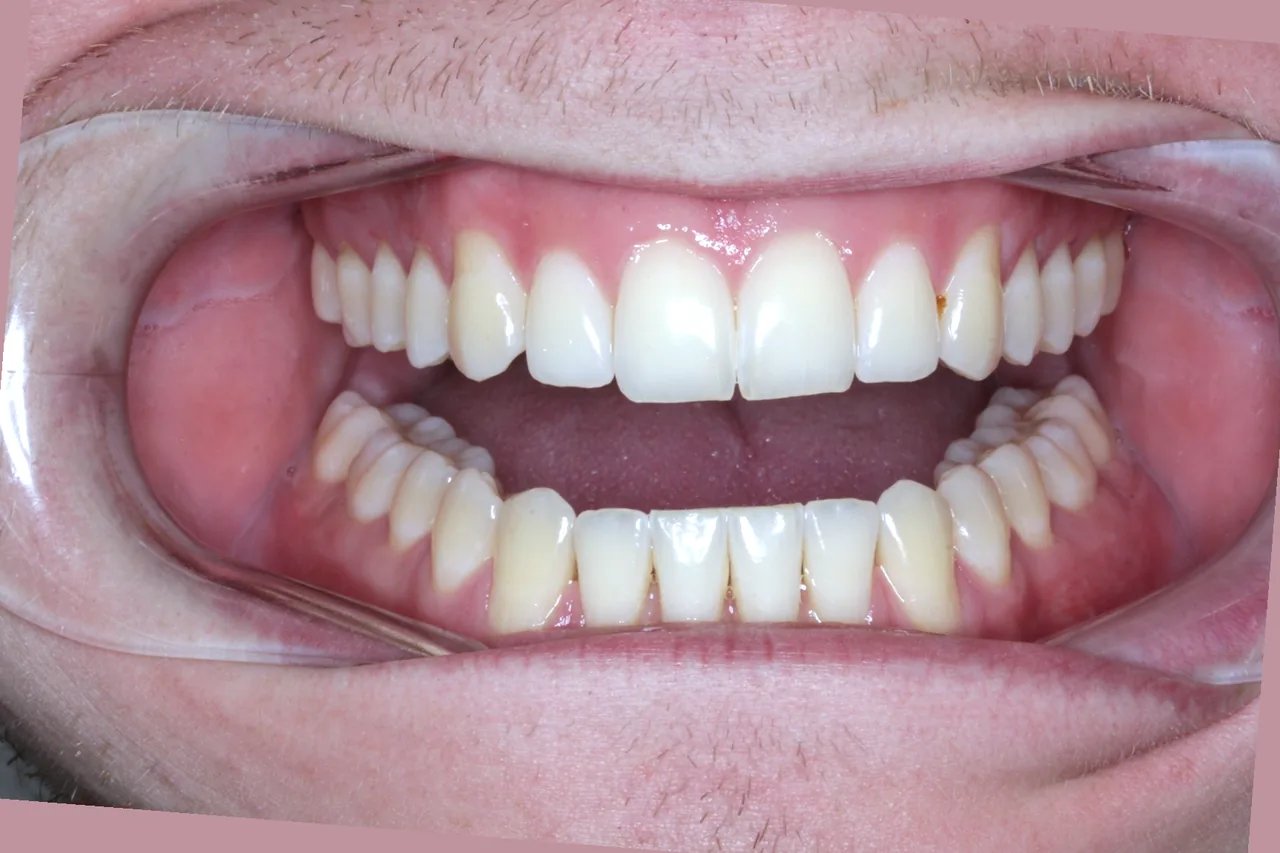
Drop in the whole visit, in any order. Bonsai straightens and crops each photo, flips the mirror shots, and files every one in its slot.

Every visit lines up.

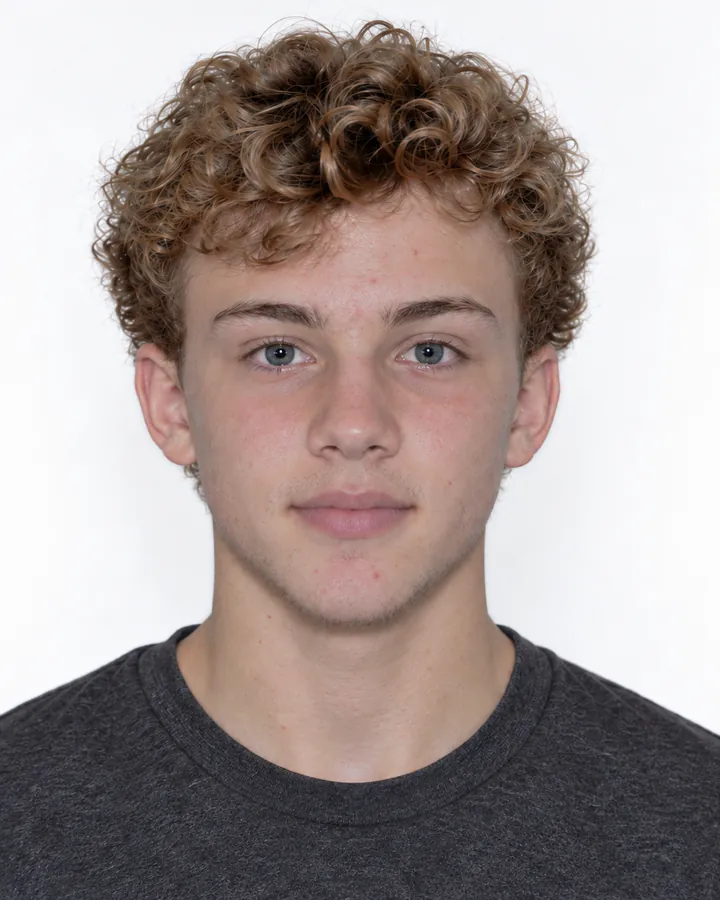
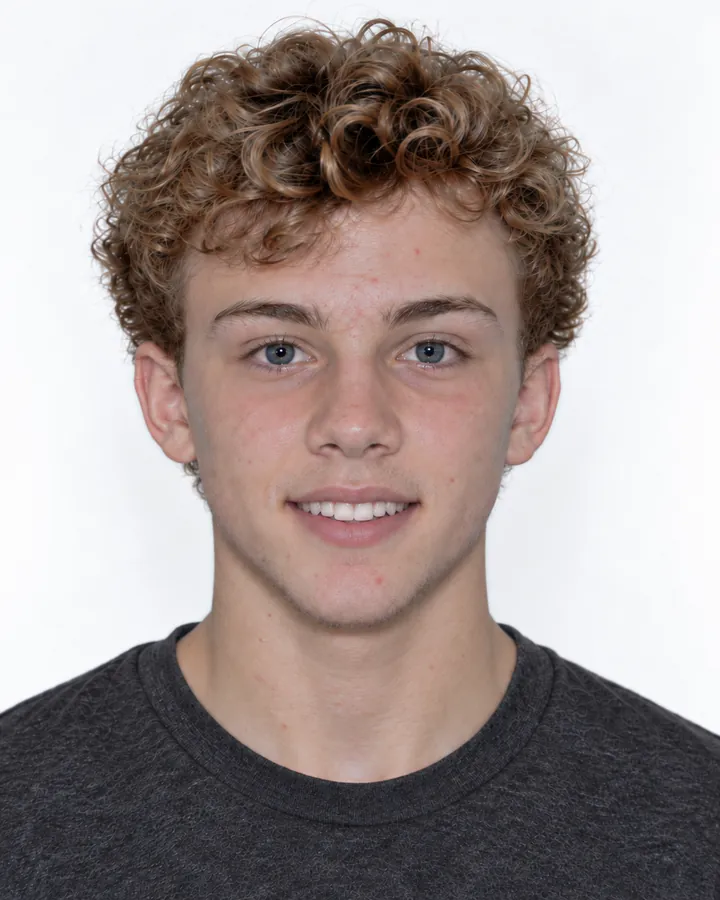
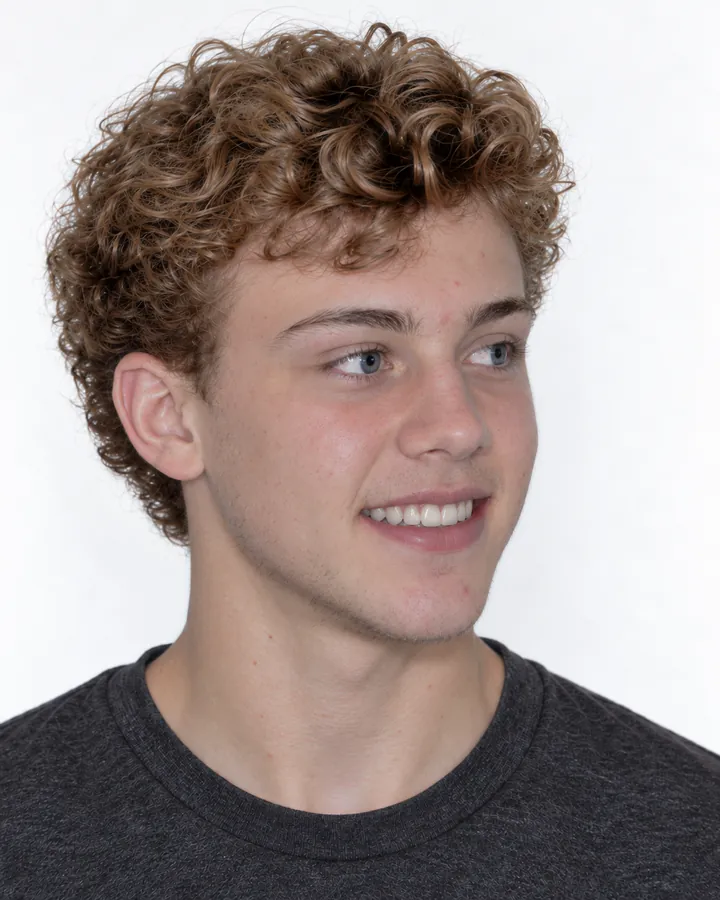
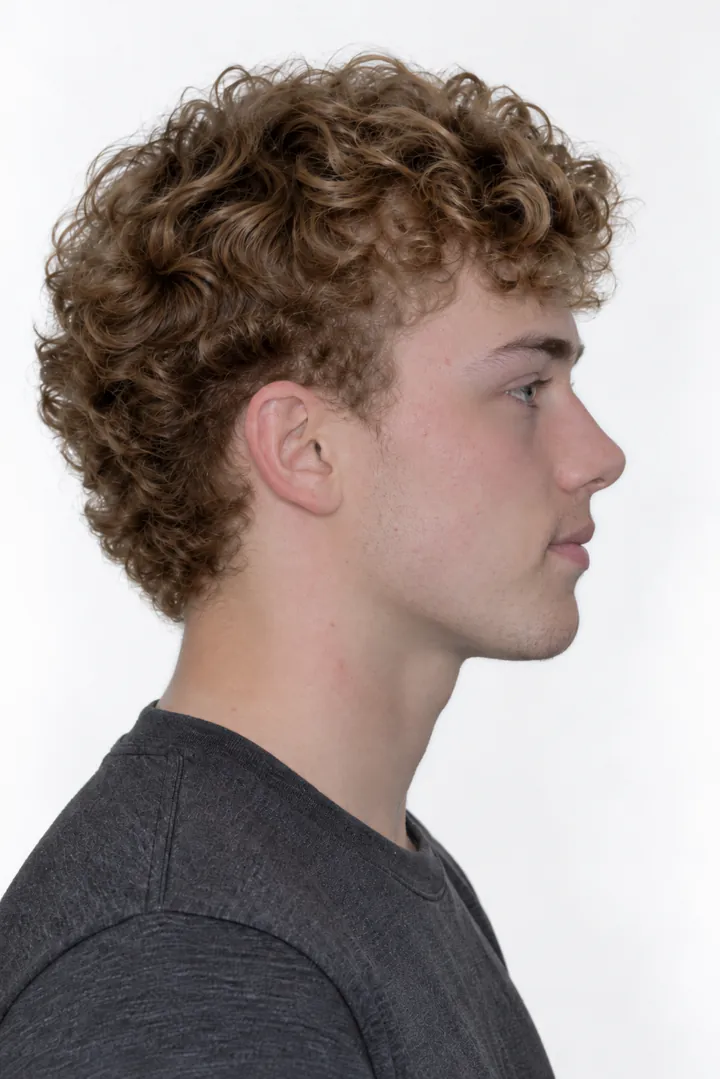
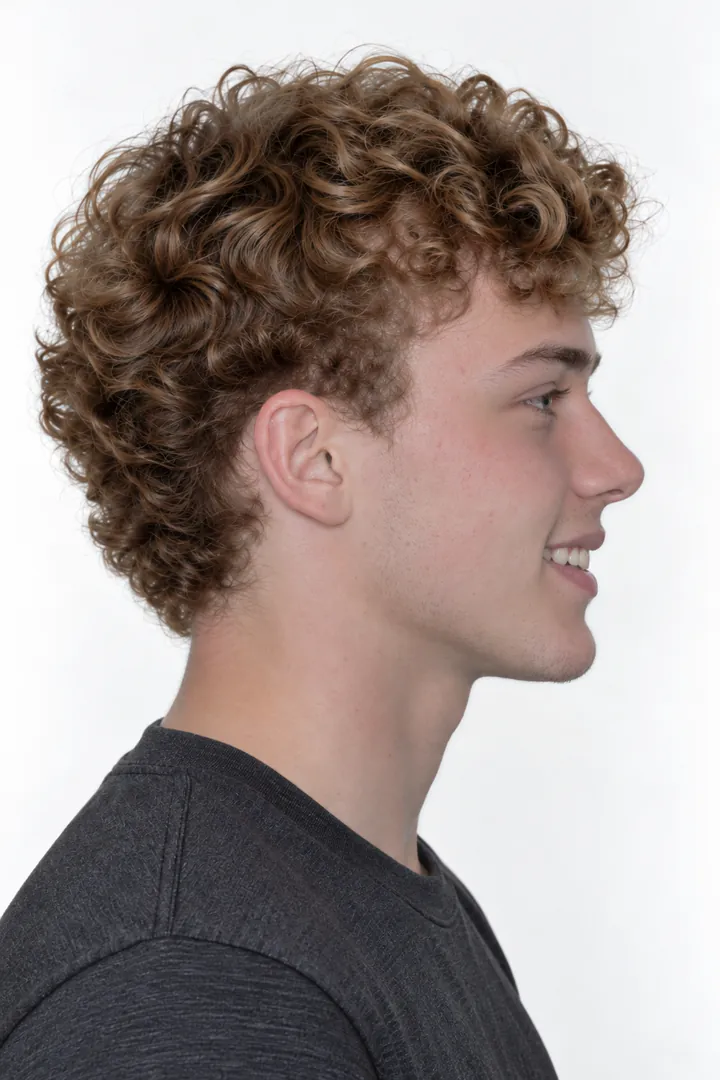
Bonsai frames every face on the eyes, at the same scale every time, and levels every bite.

Face at rest, framed on the eyes
Face smiling, framed on the same eye line
Three-quarter view, framed on the same eye line
Profile at rest, framed on the same eye line
Profile smiling, framed on the same eye line

Adjust

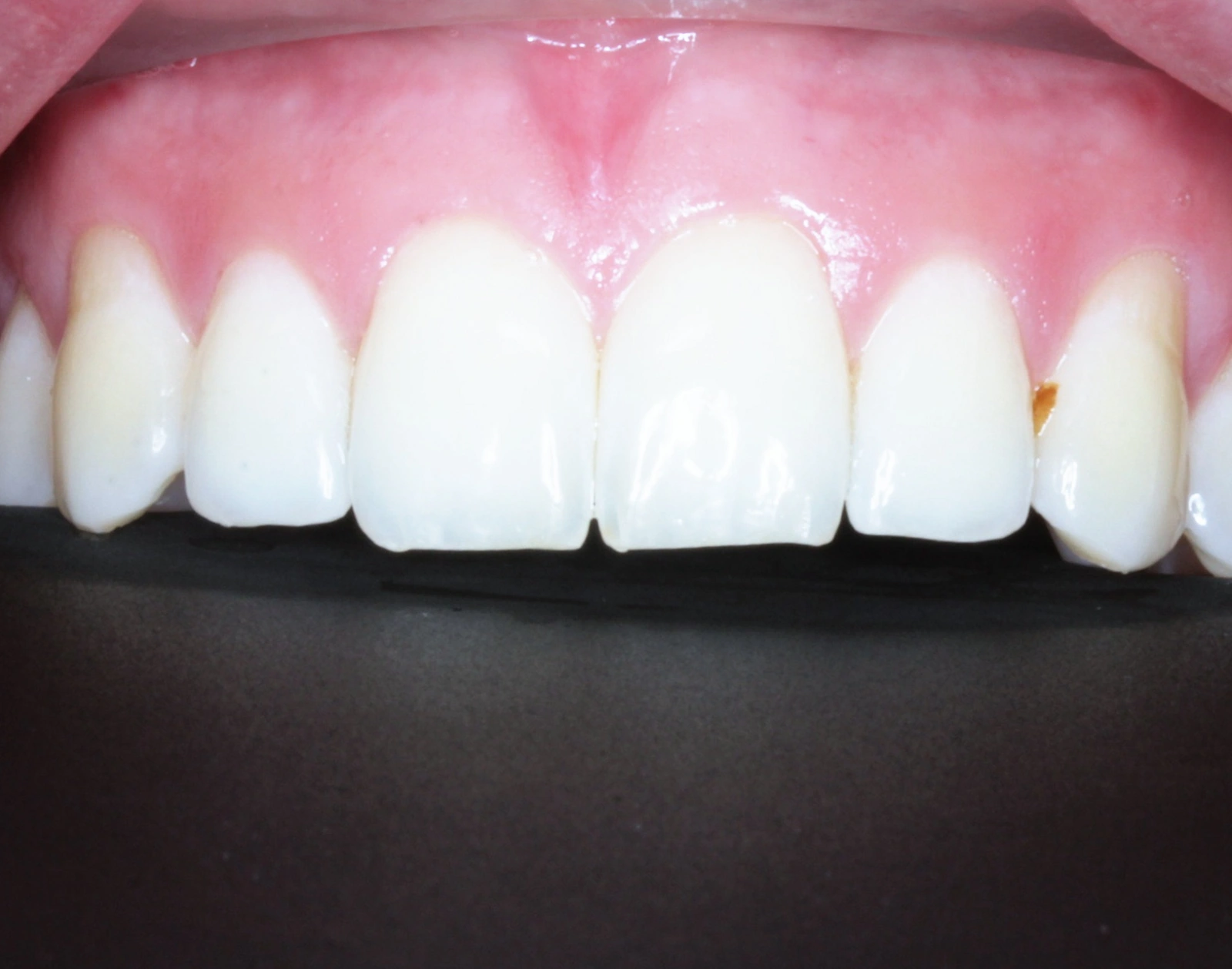
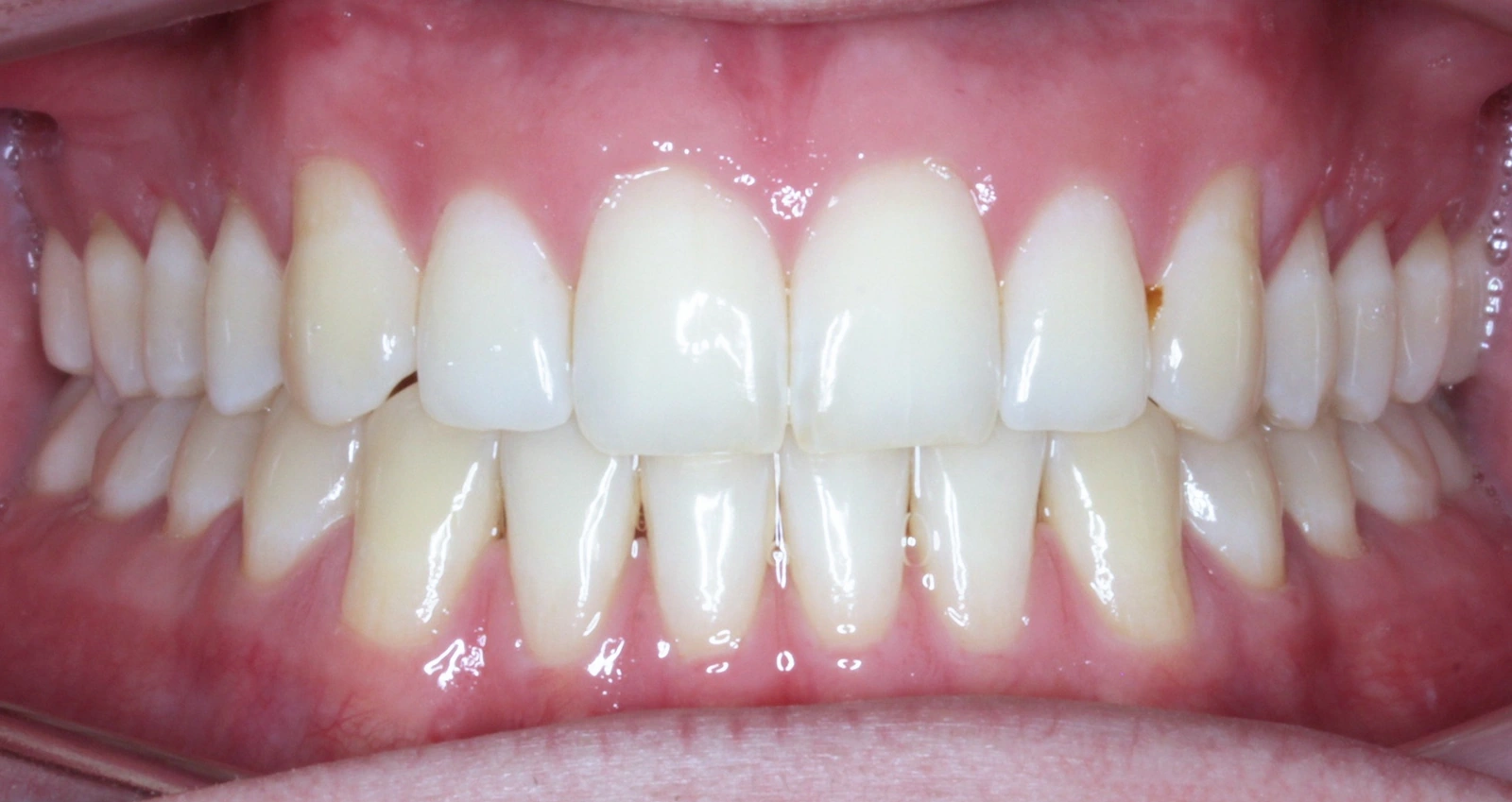
Bonsai straightens and crops each photo for you. When you want it just so, fine-tune by hand: rotate in tenths of a degree and set brightness, contrast, and color. Every change can be undone, and your original is always kept.
Compare

Hold one visit, like the starting records, on one side and flip through every visit since on the other. Each photo lines up with its match, so progress is plain to see.

CBCT viewer Coming soon

The scan, right beside the photos.

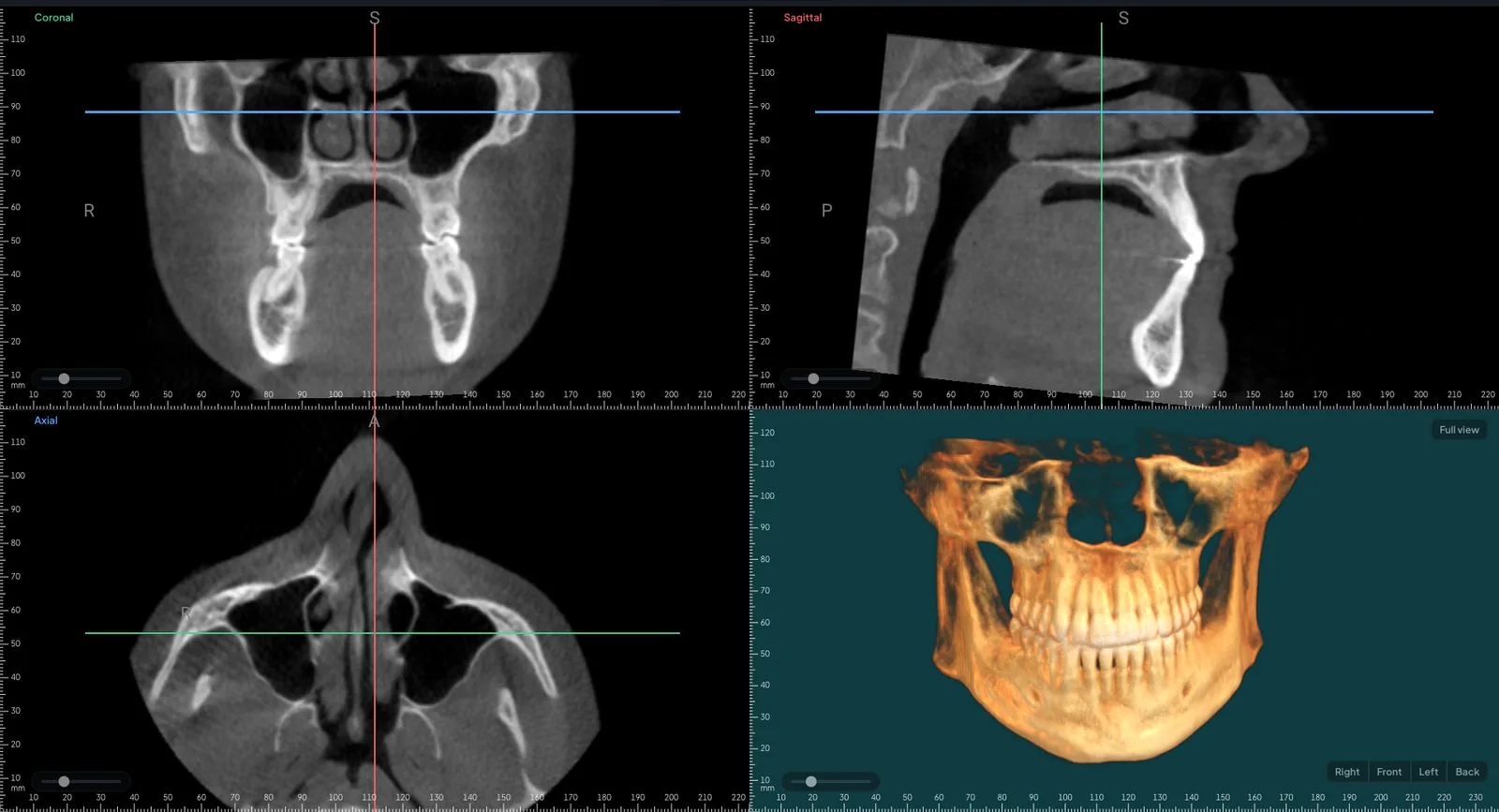
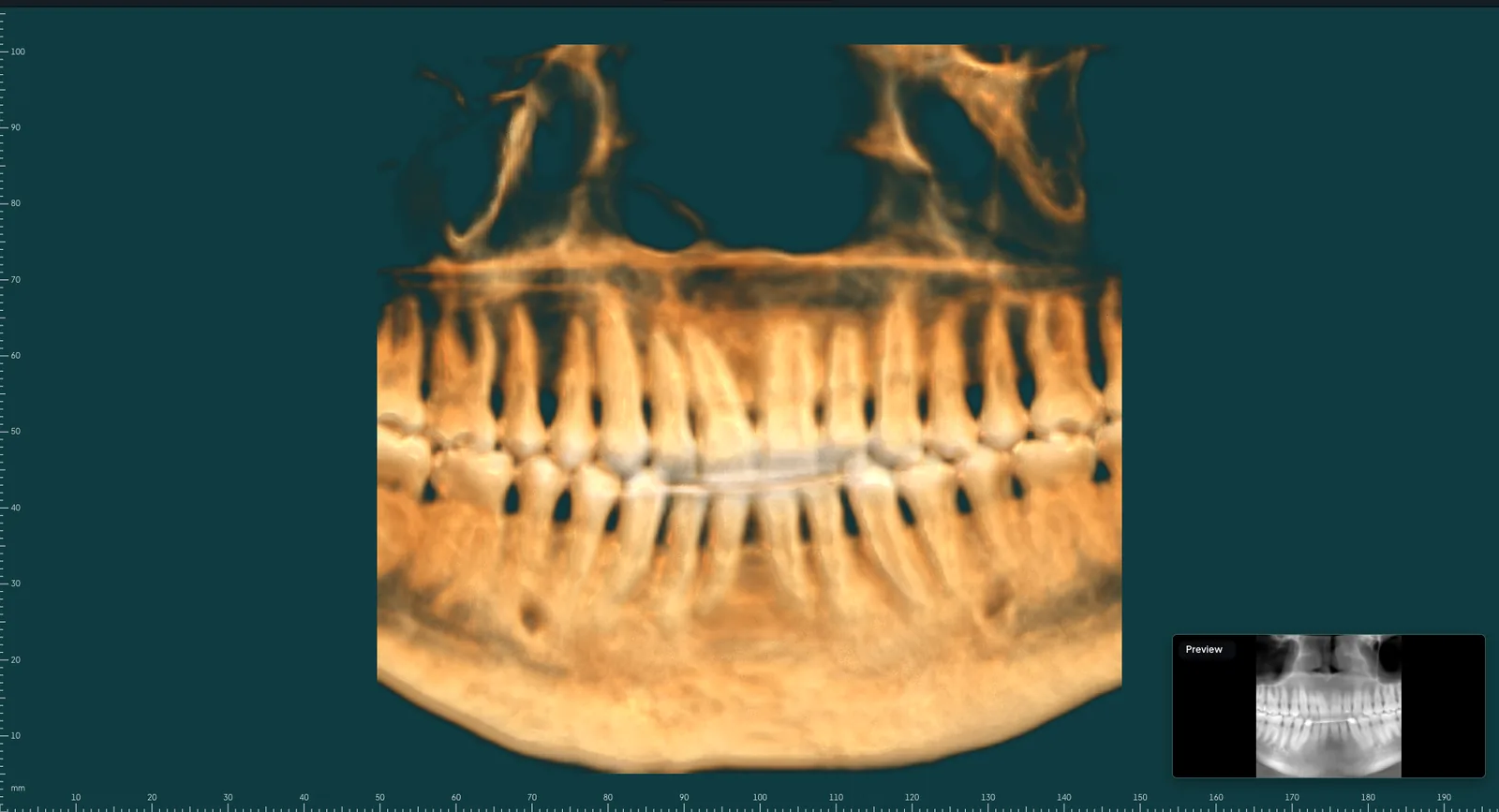
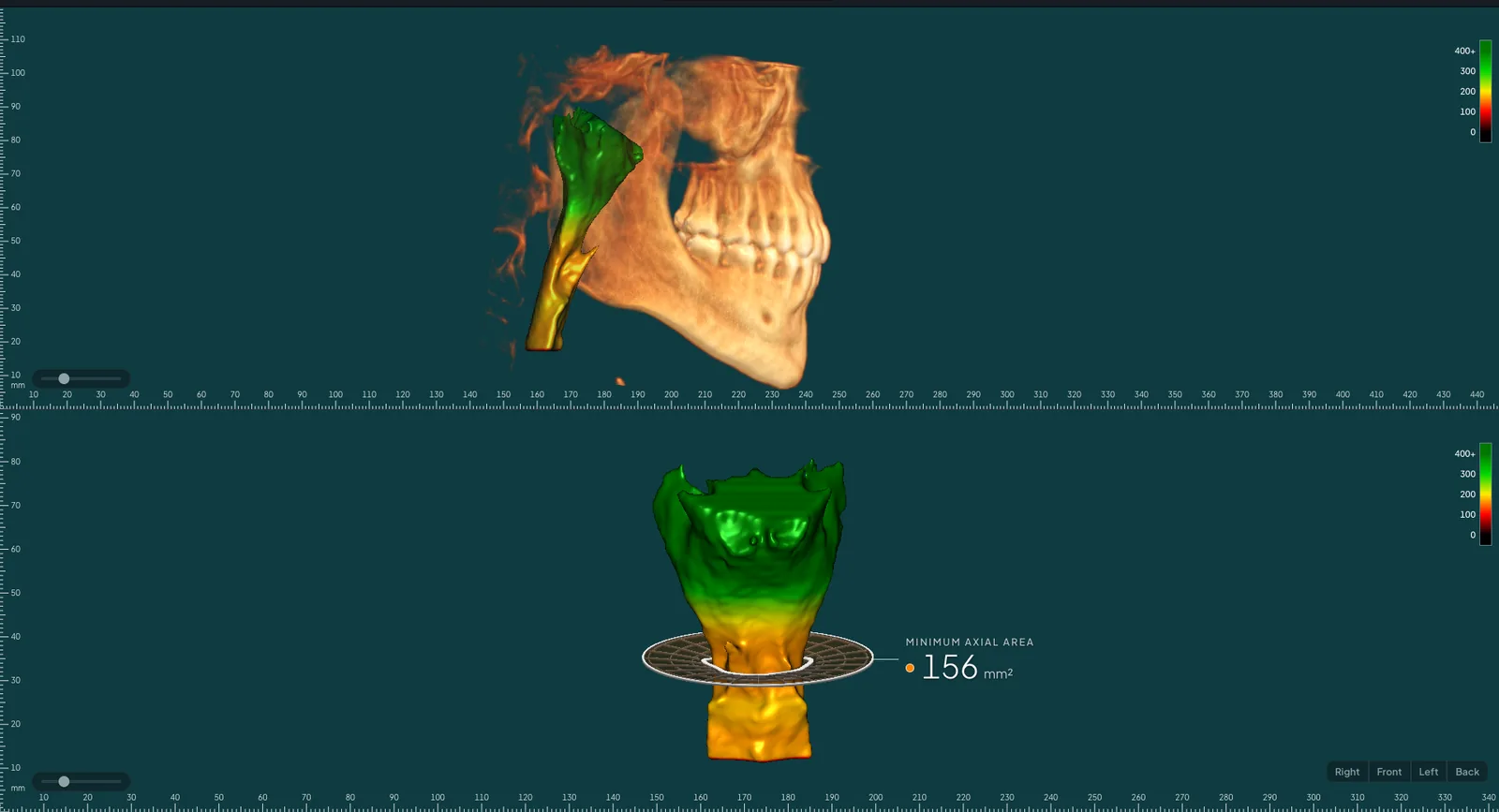
The CBCT opens in the same record as the photos. 4-View to orient, Pano for the whole arch, and Airway, shaded by width with the narrowest point measured.

CBCT 4-View: three slice views and a 3D render of the skull and teeth
CBCT panoramic view of the whole arch
CBCT airway view, shaded by width, with the narrowest point measured

The CBCT viewer is still in development and is not FDA cleared. It isn't available for clinical use. The scan shown is shared with permission.

Put the crop tool down.

Bonsai opens to a small group of practices first, starting with Imaging. Join the waitlist and we'll be in touch.